# headless-browser
26 articles about headless-browser
// 26 results

Puppeteer Stealth: Complete Guide to Avoiding Detection
Complete guide to puppeteer-extra-plugin-stealth for avoiding bot detection. Learn how detection works, configure stealth evasion ...

How to Create an AI Browser Agent for Free
Build two free AI browser agents using Browser-Use (Python) and Stagehand (TypeScript) with step-by-step code examples and Google ...

Headless Browser vs Cloud Browser: Which One Should You Choose?
Compare headless browsers and cloud browsers for web scraping and automation. Learn when to use local headless browsers vs cloud-h...

Cloud Browser: What Is It and How to Use It
Learn what cloud browsers are, how they work, and how to use them for web scraping, automation, and AI agents. Covers practical co...
Best Cloud Browser APIs in 2026
Comprehensive comparison of cloud browser APIs for developers. Evaluate Bright Data, Browserless, Browserbase, Scrapfly, Steel.dev...

How to Take Screenshots in PHP?
Learn how to take screenshots in PHP using Browsershot, Chrome-PHP, and APIs. Covers installation, wait strategies, device emulati...
Guide to SeleniumBase — A Better & Easier Selenium
SeleniumBase streamlines browser automation with simple syntax, cross-browser support, and robust features, perfect for testing an...

Playwright vs Selenium
Explore the key differences between Playwright vs Selenium in terms of performance, web scraping, and automation testing for moder...
What is a Headless Browser? Top 5 Headless Browser Tools
Quick overview of new emerging tech of browser automation - what exactly are these tools and how are they used in web scraping?
How To Take Screenshots In Python?
Learn how to take Python screenshots through Selenium and Playwright, including common browser tips and tricks for customizing web...
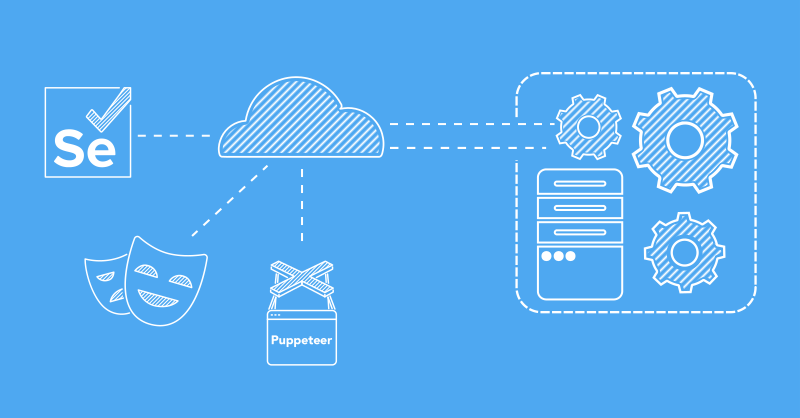
Web Scraping With Cloud Browsers
Introduction cloud browsers and their benefits and a step-by-step setup with self-hosted Selenium-grid cloud browsers.
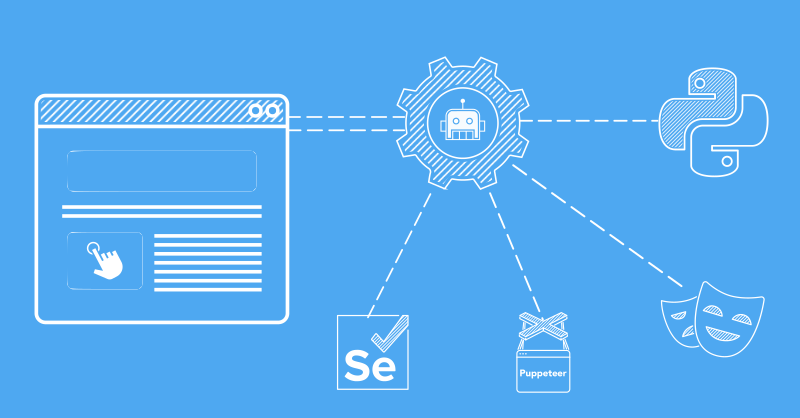
How to Scrape Forms
Learn how to scrape forms through a step-by-step guide using HTTP clients and headless browsers.
? Quick Answers about headless-browser
Ready to scale your web scraping?
Anti-bot bypass, browser rendering, and rotating proxies — all in one API.